In 2025, research cited by IT asset management firm Lansweeper found that manual asset records are typically 40 to 60% inaccurate within three months of creation. That statistic was measured in IT environments, but the underlying problem is universal to any team keeping records on physical equipment by hand. A spreadsheet only reflects what someone remembered to type in, on the day they remembered to type it. This piece walks through why manual inventory drifts from reality so quickly, and how a photo-based tagging workflow closes that gap instead of trying to manage it.
Key Takeaways
- Manual asset records are typically 40 to 60% inaccurate within three months of creation (Lansweeper, 2025).
- US construction equipment losses from theft alone run $300 million to $1 billion a year, with fewer than 25% of stolen machines recovered (National Equipment Register / NICB estimate, cited by LiveViewGPS, 2026).
- Photo-based tagging creates the record where the equipment actually is, closing the lag that spreadsheets cannot.
- Beacon accessories add ongoing proximity confirmation without a separate manual count.
- Every tagged asset feeds ARMOR Asset Central, giving the whole organization one source of truth instead of several conflicting files.
Why Spreadsheets Fall Out of Date So Fast
In 2025, Lansweeper cited research showing manual asset records are typically 40 to 60% inaccurate within three months of creation. That gap exists because a spreadsheet is a snapshot, not a system. The moment it is saved, it starts going stale, since nothing updates it automatically when equipment changes hands, changes location, or goes out for service.
Version conflicts make it worse. Two people editing the same file at once, a stale copy emailed around, a column someone deleted by accident. None of these are inventory problems on their own. They are file management problems that happen to attach themselves to your inventory.
The 40 to 60% figure comes from IT hardware environments, where assets rarely leave a building. Physical equipment fleets, forklifts, golf carts, vehicles that move between sites daily, face the same recording lag with fewer fixed reference points to catch the drift. If anything, the accuracy problem is harder for equipment that moves.
In 2025, Lansweeper’s data on manual record drift makes a simple point: any asset list updated by hand starts losing accuracy the day it is created, regardless of industry, because nothing in the process checks the record against reality after that first entry.
The Real Cost of Not Knowing Where Equipment Is
In 2026, industry estimates compiled by LiveViewGPS put US construction equipment theft losses at $300 million to $1 billion annually, based on the long-standing National Equipment Register and NICB estimate, with fewer than 25% of stolen machines ever recovered. Equipment nobody can locate quickly becomes equipment that quietly disappears, whether through theft, misplacement, or simply being left at the wrong site after a job.
Recovery rates tell the sharper part of the story. Machines with active location hardware are recovered at meaningfully higher rates than those without, according to the same industry data. A record that only exists on a spreadsheet cannot help with recovery. A record tied to a physical device and a location can.
Snap a Photo, Tag the Asset, Done
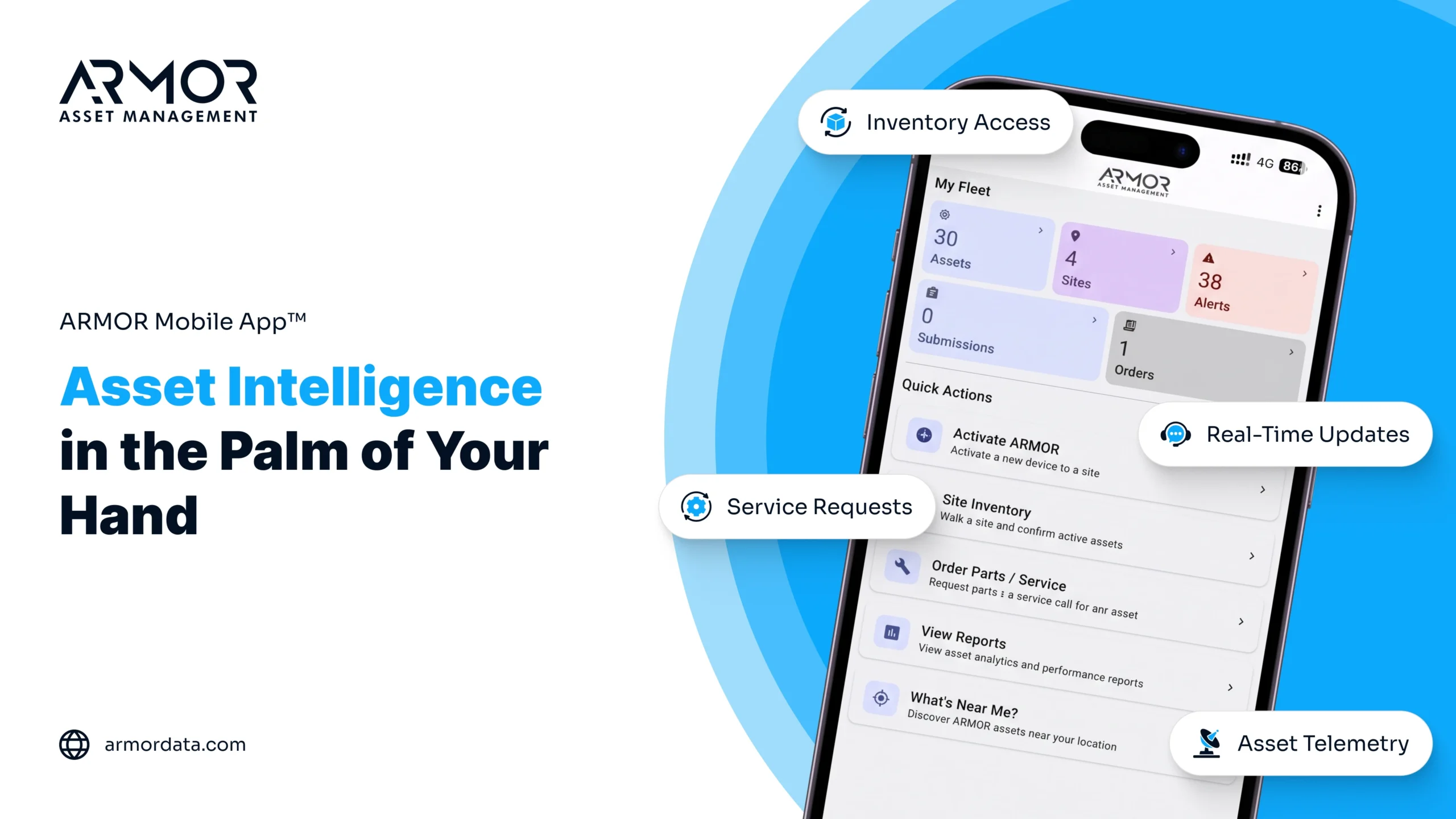
The ARMOR™ App replaces manual entry with a physical action that already happens on the job: someone looks at a piece of equipment. Instead of writing it down later, they open the app, snap a photo, and tag the asset on the spot. The record is created where the equipment actually is, by the person actually standing in front of it.
This matters because it removes the lag between reality and the record. There is no “I will update the sheet tonight.” The entry exists the moment the photo is taken, with the location attached automatically.
Beacon Accessories Confirm What Is Actually Nearby
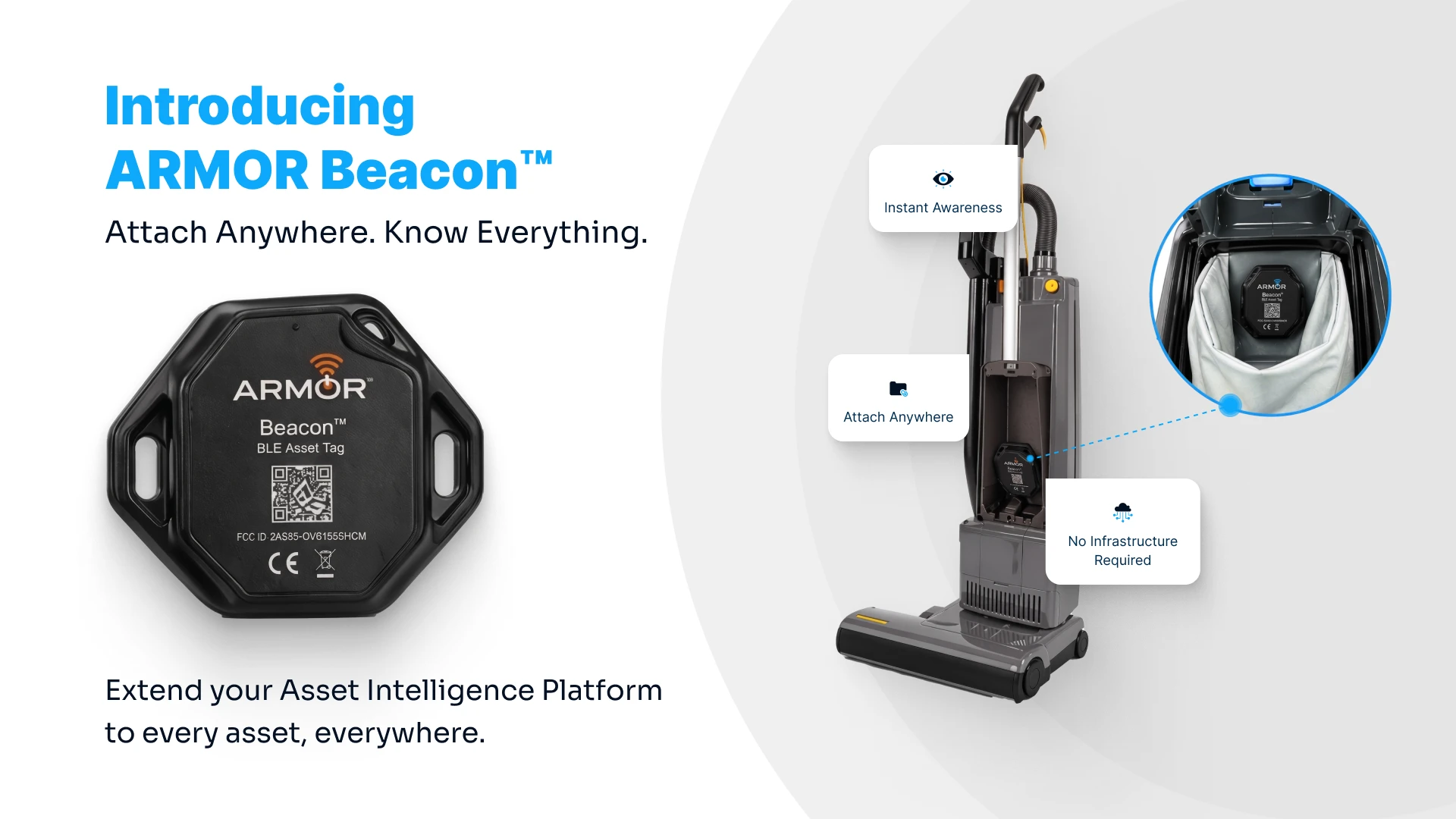
Photo tagging solves the initial entry problem. ARMOR Beacon™ and Beacon+™ accessories solve the ongoing question: is this equipment still where it is supposed to be? Beacon-equipped assets are picked up by background scanning in the ARMOR™ App, so a supervisor walking a site gets a live confirmation of what equipment is actually nearby, not a list of what someone hopes is still there.
For high-value or frequently borrowed equipment, this closes the exact gap that spreadsheets cannot touch: the time between when something leaves its expected spot and when someone notices.
One Source of Truth Instead of Five Versions
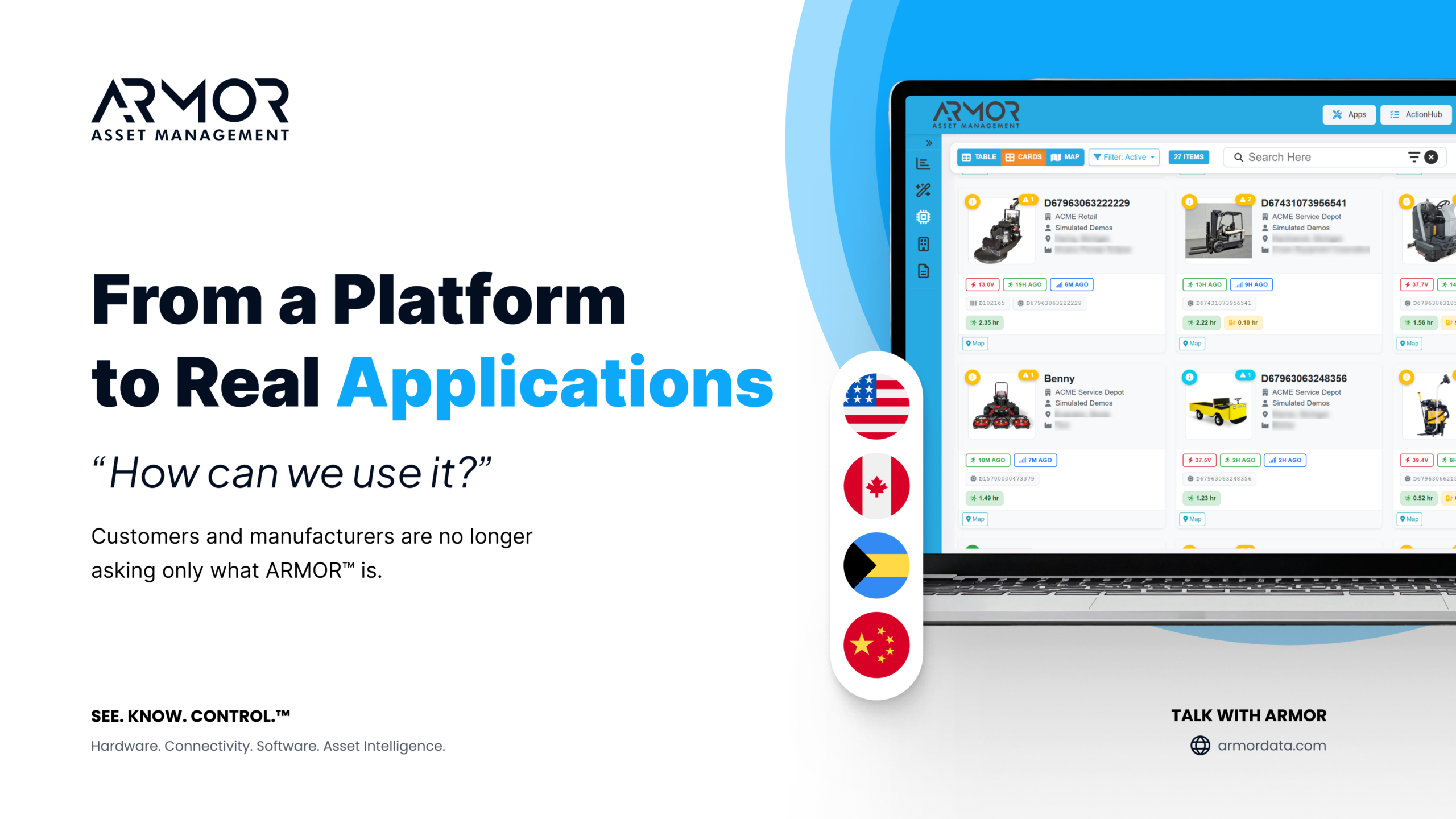
Every asset entered through the app feeds into ARMOR Asset Central™, which functions as the system of record for your physical assets. Instead of a warehouse spreadsheet, a site supervisor’s notebook, and a finance team’s asset list all telling slightly different stories, everyone references the same current record. That single source of truth is what turns an inventory count from a guessing exercise into a genuine business asset.
What This Looks Like in Practice
A facilities team managing equipment across three sites stops relying on a monthly manual count. New equipment gets tagged the day it arrives. Beacon-equipped items are confirmed automatically as staff move through each location. When someone asks how many units are at a given site right now, the answer comes from Asset Central instead of a file that was last touched three weeks ago.
Frequently Asked Questions
How long does it take to tag a new piece of equipment in the ARMOR™ App?
Tagging a new asset takes about as long as taking a photo, since that is essentially what the process is. Snap the photo, add a tag, and the entry is created with its location attached, ready to feed into Asset Central.
Do I need to tag every single asset, even small tools?
Most teams start with higher-value or frequently moved equipment, such as vehicles, fleet equipment, and battery-powered machines, then expand coverage as the habit sticks. The app is built to scale to whatever level of detail your operation needs.
What happens if equipment is tagged but does not have a Beacon accessory?
It still shows up in Asset Central with its tagged location and history. A Beacon accessory adds ongoing proximity confirmation on top of that, which is most valuable for equipment that moves often or goes missing easily.
How does this compare to using GPS on equipment that already has it?
GPS-equipped equipment already reports its own position. The ARMOR™ App adds the layer most GPS systems skip: a simple, photo-based record of every asset, including the ones too small or low-value to justify a dedicated GPS unit, all inside the same system of record.
Ready to see what your equipment inventory looks like without the spreadsheet? Explore the ARMOR™ App or talk to our team about getting started with Asset Central.