Why Can Field Technicians Never Find the Right Equipment?
Field technicians cannot find equipment quickly because most organizations track assets in systems that update slowly, spreadsheets, purchase records, or memory, none of which reflect where an asset actually sits right now. In 2026, maintenance technicians without purpose-built mobile tools lose over 90 minutes per shift to paperwork, manual data entry, and searching for information, pushing wrench time as low as 25 to 35 percent of the workday (MPulse Software, Mobile Maintenance Management for Field Teams: 2026 Guide, 2026). That is close to an hour and a half of every shift spent looking rather than working.
Key Takeaways
- In 2026, technicians without mobile tools lose over 90 minutes per shift to paperwork and searching for information (MPulse Software, 2026).
- Separately, maintenance technicians spend 25 to 45 minutes per shift searching for tools and equipment moved without documentation (iFactory, 2026).
- The ARMOR Mobile App replaces that search with a live, verified lookup by asset type, location, or proximity.
- The fix is not more discipline from the field. It is a system that already knows where the asset is.
What Is the Real Cost of Untracked Field Assets?
Untracked assets cost an organization in labor, schedule delay, and trust, not just in the minutes spent searching. Separately from the paperwork research above, maintenance technicians spend 25 to 45 minutes per shift searching for tools, portable equipment, and spare parts that have been moved without documentation, and across three shifts and 250 working days a year, that adds up to thousands of lost productive hours annually at a single facility (iFactory, Enterprise Asset Tracking System with Real-Time Visibility and IoT Integration, 2026).
The deeper cost is not the minutes themselves. It is what happens after a technician stops trusting the system of record. Once a field team learns that the spreadsheet or ERP record is usually wrong, they stop checking it before a job and start relying on radios, group chats, and whoever answered the phone last time. The data gap does not stay the same size. It widens every time the system gives a wrong answer and nobody flags the correction.
How Does the ARMOR Mobile App Find Assets Instantly?
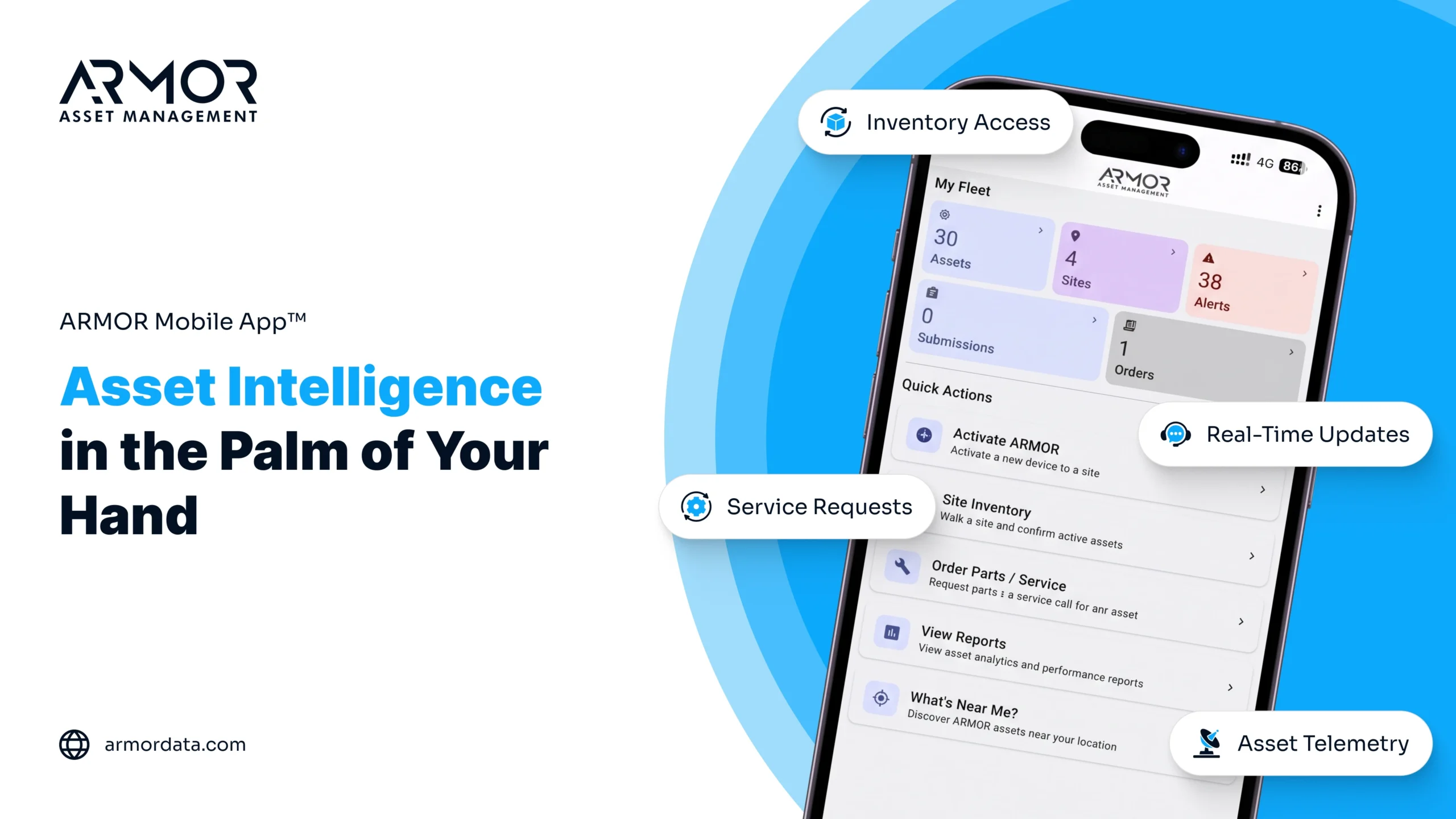
The ARMOR Mobile App finds assets instantly by giving field technicians a live search connected directly to ARMOR Asset Central, the cloud system of record that ARMOR 4+ hardware feeds continuously from the field. A technician searches by asset type, location, or proximity and gets a verified answer in seconds, not a printed map or a purchase record that has not been touched since the asset was bought.
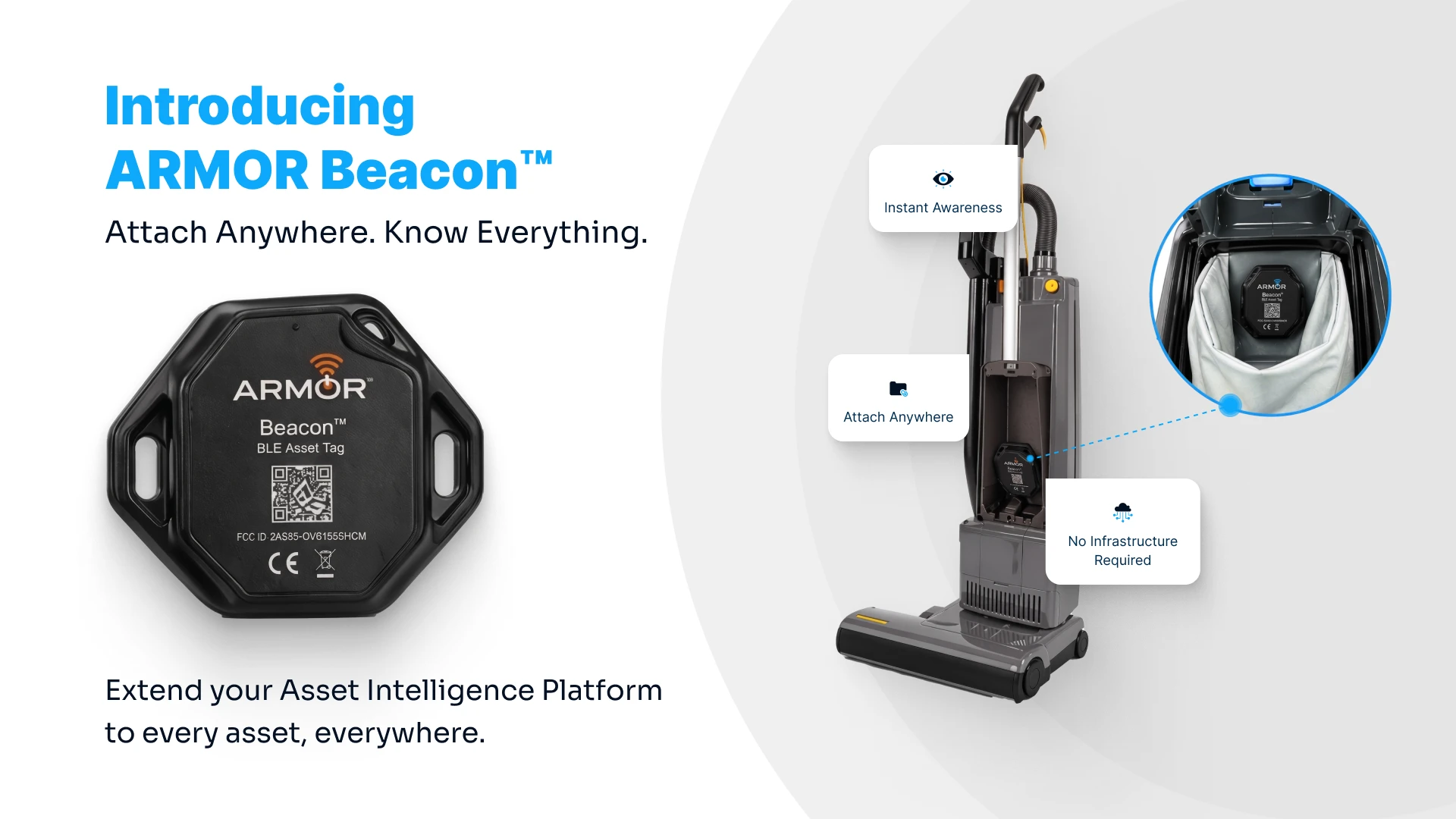
This works because the data originates at the asset itself. ARMOR 4+ hardware installs without disrupting existing equipment and captures runtime hours, verified identification, and location as conditions change in the field. There is no manual log for a technician to update and no spreadsheet to take on faith, because the system already knows.
What Does This Look Like on an Actual Job?
A technician arriving on site opens the ARMOR Mobile App, searches for the asset by name or type, and confirms it is present before ever leaving the truck. If it has been relocated, the app shows the current location. If it is genuinely missing, the technician knows immediately instead of after a wasted walk across the yard. That single confirmation is designed to replace what has historically been a ten to fifteen minute search plus one or two phone calls back to the office.
Why Does This Matter More for Multi-Site Operations?
Multi-site operations feel asset search delays the hardest because a spreadsheet that happens to be accurate at one location is rarely accurate at another. Real-time visibility is considered the most impactful advantage of modern asset tracking, letting operations teams locate equipment instantly and reduce time spent searching, with most industrial operations reaching positive ROI within 12 to 18 months of adoption through reduced losses and improved utilization (FullyOps, Asset Tracking Advantages for Industrial Efficiency in 2026, 2026). The ARMOR Mobile App extends that same live view to every location a technician might be dispatched to, familiar or not.
This is also why ARMOR is built to sit alongside an existing ERP rather than replace it. An ERP was designed to manage transactions and procurement. It was never designed to answer, in real time, the one question a technician actually needs answered on arrival: where is this asset right now. That is the specific gap ARMOR Asset Central and the ARMOR Mobile App close.
Frequently Asked Questions
Does the ARMOR Mobile App work without an internet connection in the field?
The app is built for real-time field use and syncs continuously with ARMOR Asset Central, so technicians see the most current asset location and status recorded by the system as soon as a connection is available.
Do I need to replace my current inventory or ERP system to use the ARMOR Mobile App?
No. ARMOR does not replace an ERP or an existing inventory system. It connects to assets through ARMOR 4+ hardware and gives the field a live, verified view without disrupting workflows already in place.
Is the ARMOR Mobile App available on both iOS and Android?
Yes. The ARMOR Mobile App is available on iOS and Android, so field teams can use it regardless of which devices are already standard across the organization.
How fast can a technician confirm an asset is on site using the app?
A search inside the ARMOR Mobile App returns a verified result in seconds, replacing what has traditionally been a manual walkthrough or a round of phone calls back to the office.
Stop the Search. Start the Work.
Every minute spent searching for an asset is a minute not spent servicing it. Explore the ARMOR Mobile App or book a platform walkthrough to see instant asset lookup in action, and see how it connects to the broader ARMOR Asset Intelligence Platform.