ARMOR Mobile App™

Turn Asset Data into Action.

Download. Connect. Control.

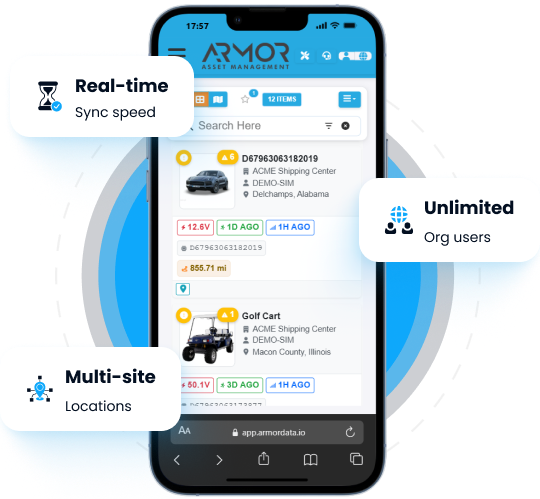
Smartphone showing ARMOR mobile web app interface surrounded by feature callout floating cards.

Access, manage, and act on your assets in real time, directly from your phone. Built for field teams, operations managers, and multi-location organizations.

ARMOR Asset Central™ A blue circle on a black background
ARMOR™ A smartphone displaying the ARMOR Asset Central app, showcasing its features and capabilities

Everything You Need in the Field.

Five powerful capabilities that connect your team to every asset across every location.

Find Assets Instantly

Locate and identify any asset by type, location, or proximity, no delays and no guesswork

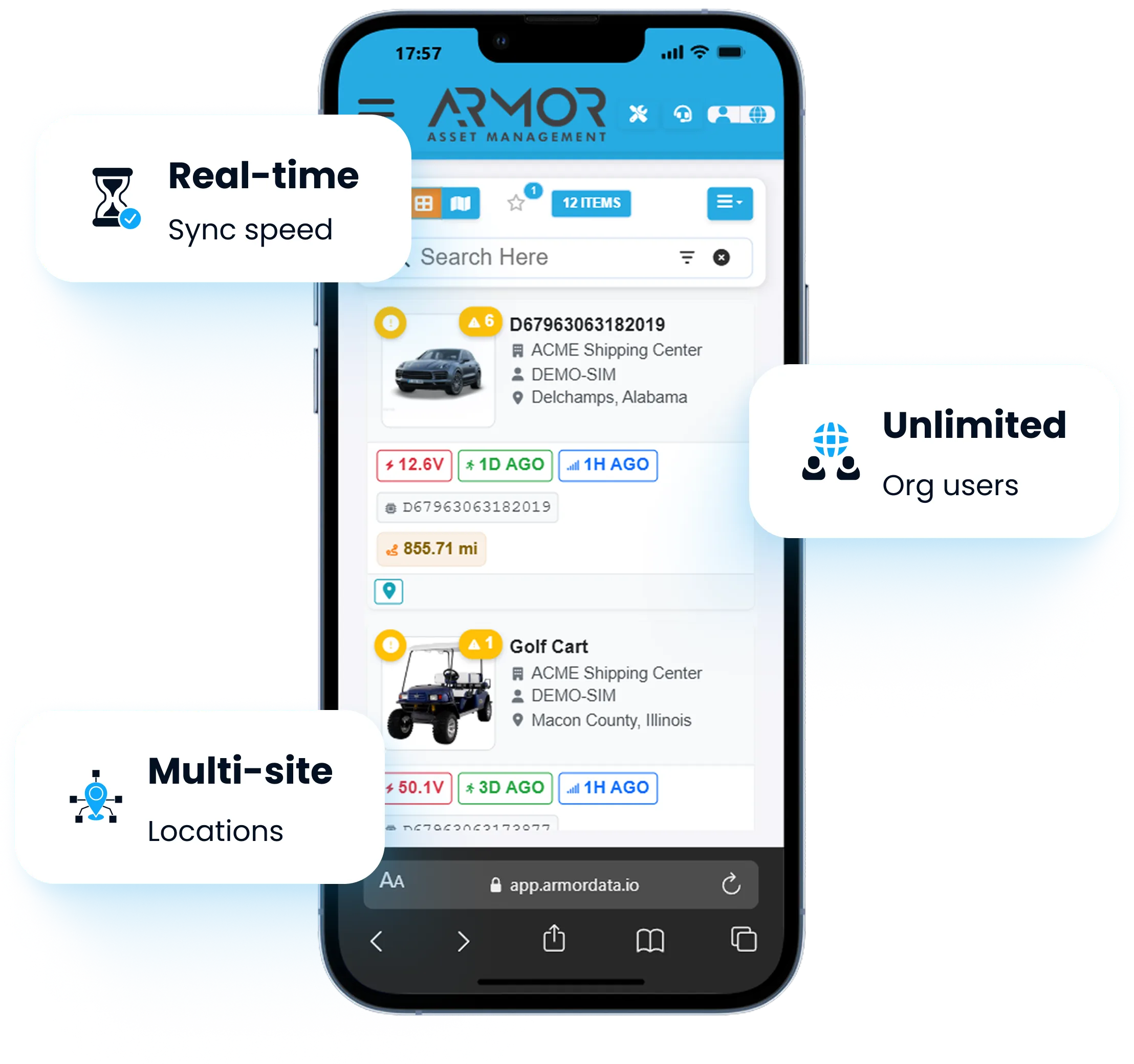
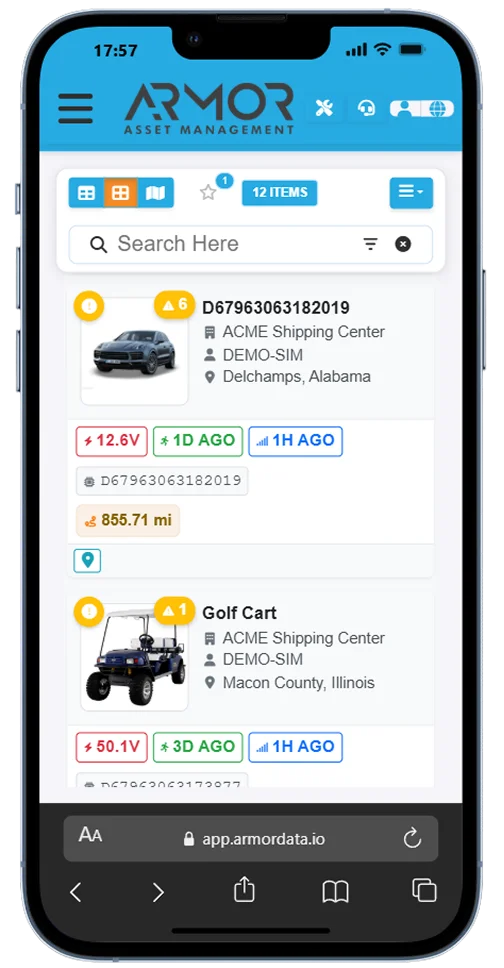
ARMOR™ A smartphone screen displaying the ARMOR Asset Management app, with a search bar and a list of items

See What Is Nearby

View all assets detected through the ARMOR™ system within your immediate environment

Capture Inventory

Scan and record assets directly in the field for accurate data, captured at the source

Place Orders Fast

Submit parts and service requests tied directly to specific assets in seconds

Stay in Sync

All updates flow instantly into ARMOR Asset Central™. Your entire team stays aligned

How It Works.

The ARMOR Mobile App™ is the field interface of ARMOR Asset Central™, connecting your assets, your data, and your team in one unified flow.

ARMOR 4+™

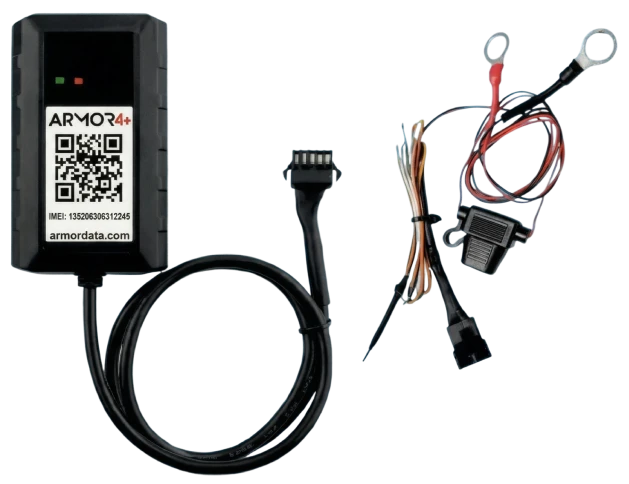
Connects assets and captures real-world data

ARMOR 4+™ tracking device unit and wired harness featuring status LEDs, QR code, and ring terminals.

ARMOR Asset Central™

Organizes, analyzes, and stores all asset intelligence

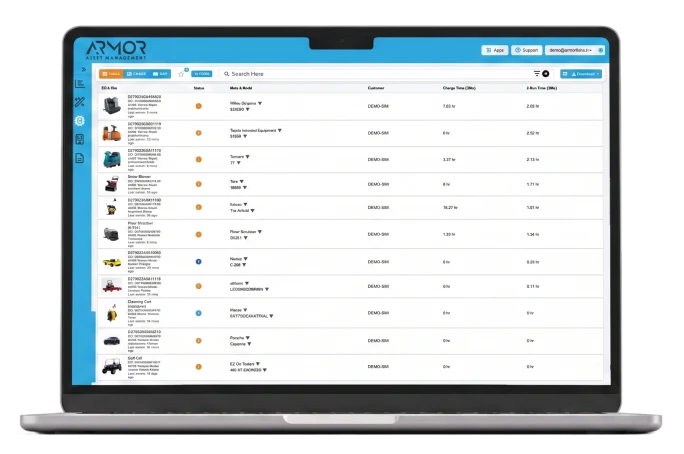
Laptop displaying the ARMOR Asset Management™ tabular software dashboard on a blue circular background.

ARMOR Mobile App™

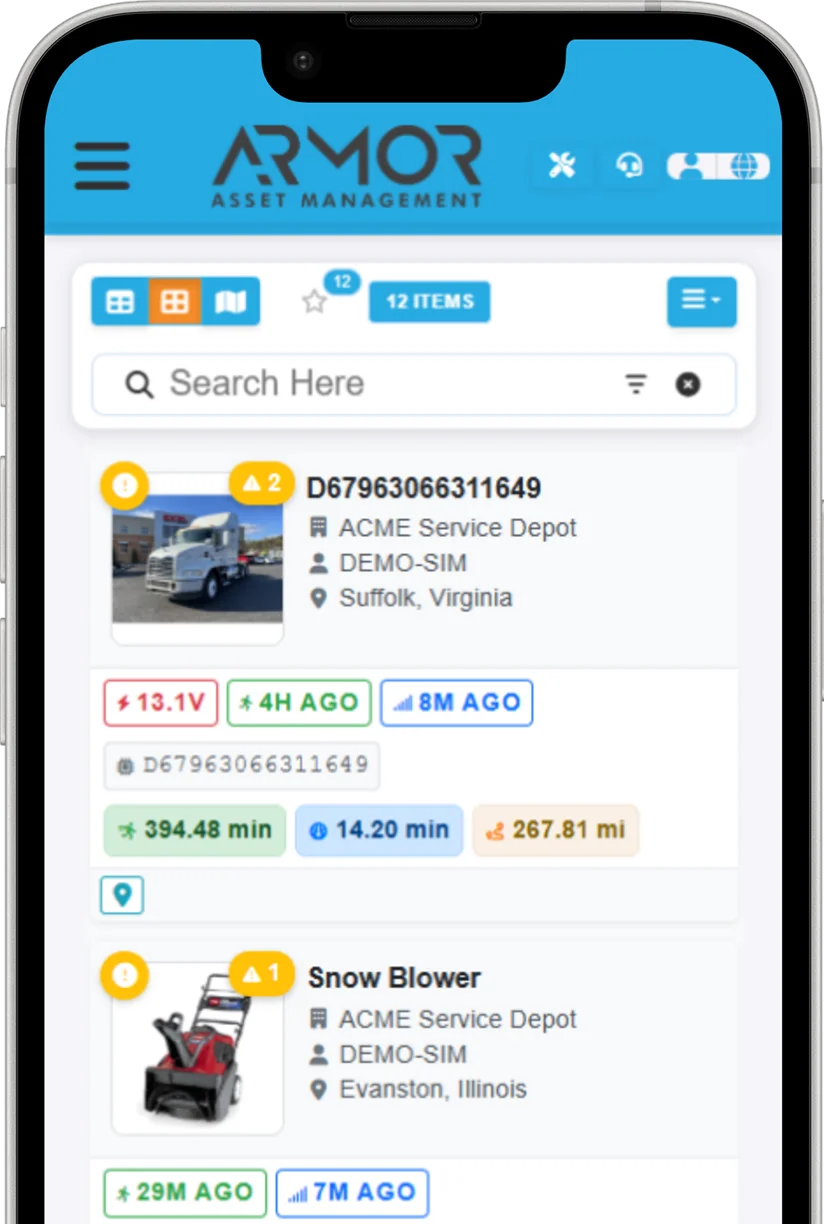
Drives field action with live data at your fingertips

ARMOR™ A mobile phone screen displaying the ARMOR Asset Management app, with a search bar and a list of search results,

Built for Your Team.

Whether you manage 10 assets or 30,000, the ARMOR Mobile App™ scales with ARMOR Asset Central™ from day one

Technicians

Facility Teams

Operations Managers

Inventory Teams

Multi-Location Organizations

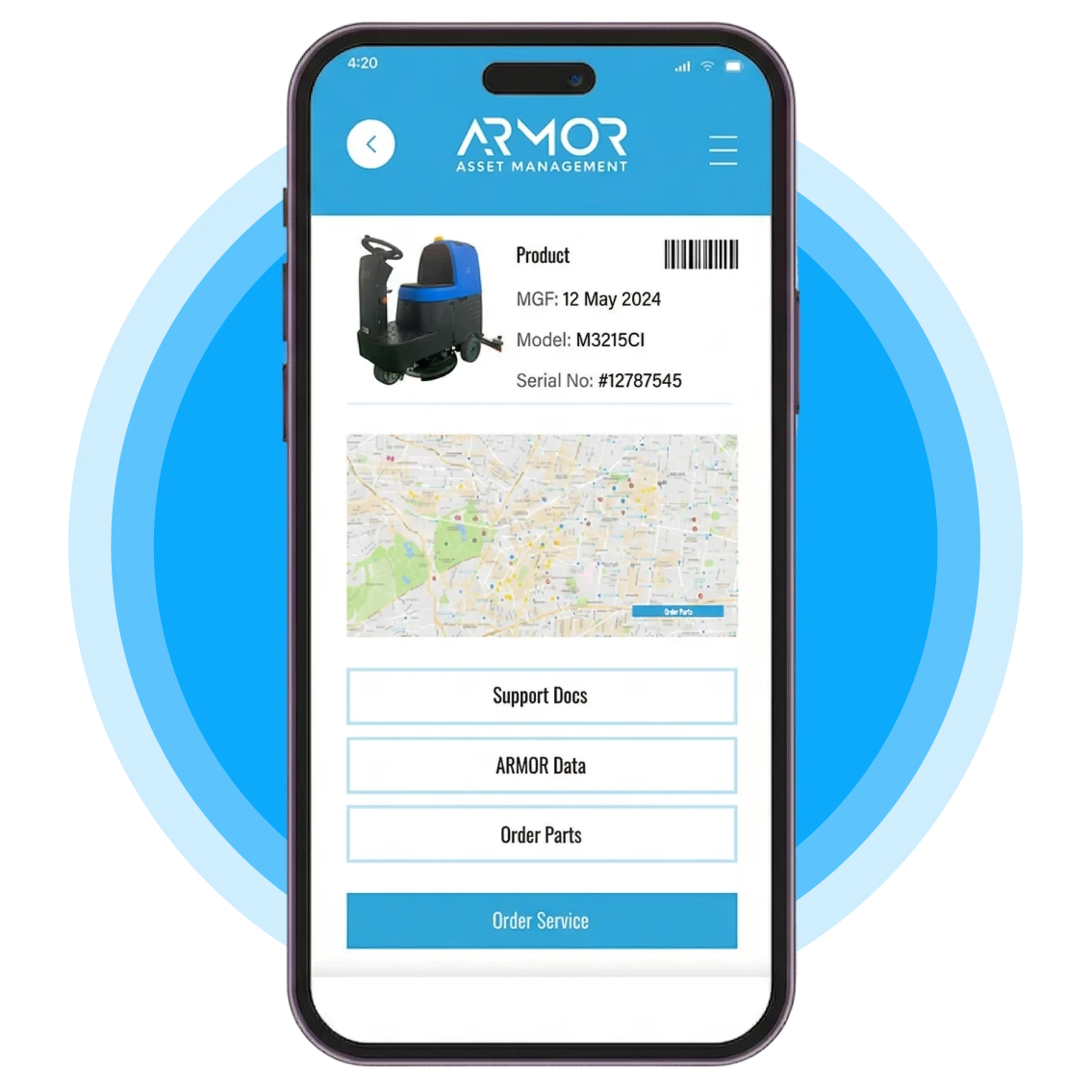
Smartphone displaying the ARMOR Asset Management™ mobile app interface against a blue circular background.

Your Fleet. In Your Pocket.

A technician walks into a facility and within seconds has everything they need:

Smartphone displaying the ARMOR Asset Management™ mobile app interface against a blue circular background.

Confirms equipment on-site

Identifies missing items

Captures updates

Places a service order

One app. Every asset. Full field service management, powered by ARMOR Asset Central™.